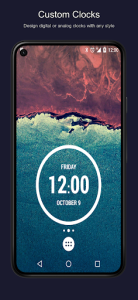
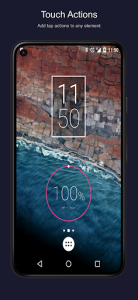
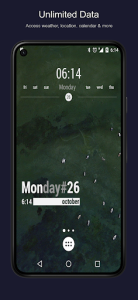
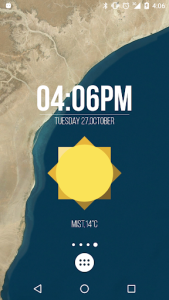
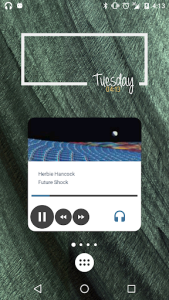
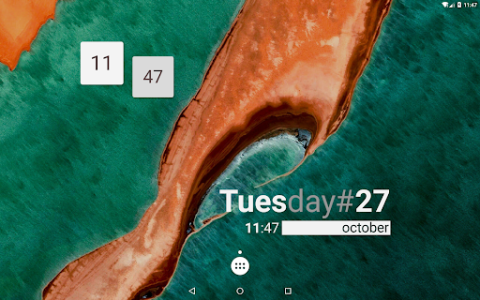
KWGT Kustom Widget Maker transforms the static Android home screen into a dynamic canvas of personal expression and utility. This powerful tool allows users to build complex, data-driven widgets without needing advanced coding knowledge or technical expertise. By bridging the gap between professional design and user-friendly interaction, it empowers anyone to craft bespoke clocks, weather displays, or music controllers. The result is a highly personalized interface that reflects individual style while boosting daily productivity through instant information access.
Advanced Visual Customization Engine
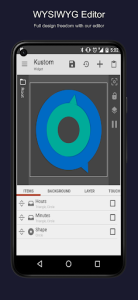
The core of this platform lies in its sophisticated WYSIWYG editor, which provides a layer-based environment similar to high-end graphic design software. Users can manipulate shapes, text, and images with pixel-perfect precision to create unique visual hierarchies on their home screens. Whether you are aiming for a minimalist aesthetic or a data-heavy dashboard, the editor handles gradients, shadows, and complex transformations effortlessly. This flexibility ensures that every element feels integrated and professional rather than like a generic third-party add-on.
Real Time Data Integration
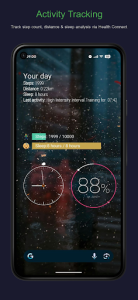
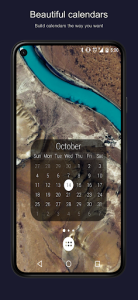
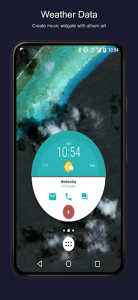
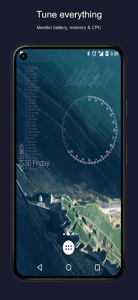
Beyond mere aesthetics, this solution excels at pulling live information from various system sources and web APIs to keep your widgets updated. You can easily display live battery stats, upcoming calendar events, or even CPU usage metrics directly on your wallpaper. Integrating external data like RSS feeds or astronomical information turns a simple clock into a comprehensive information hub. This capability ensures that your personalized creations are not just beautiful to look at but also serve as functional tools for navigating your digital life.
Expansive User Preset Library
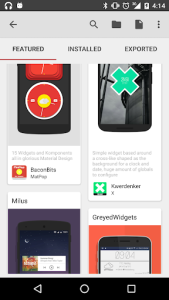
One of the most compelling aspects of using KWGT Kustom Widget Maker is the massive ecosystem of pre-designed themes available through various marketplaces and online forums. Beginners can jumpstart their customization journey by importing Komponents created by professional designers, which can then be tweaked to fit specific needs. This community-driven approach means you never have to start from scratch if you find the blank canvas intimidating. Exploring these shared creations often reveals innovative ways to utilize the tool’s deep logic and animation features.
Powerful Formula Based Logic
For those who want to push boundaries, the tool incorporates a robust scripting language that uses simple formulas to automate changes based on specific conditions. You can program a widget to change its color based on the time of day or hide certain elements when no music is playing. This level of automation brings a sense of intelligence to the Android interface, making it react dynamically to your environment and habits. Mastering these functions allows for a truly smart home screen that anticipates your needs without manual input.
Optimized System Resource Usage
Despite its deep feature set and complex rendering capabilities, the experience provided by KWGT Kustom Widget Maker is remarkably light on system resources and battery life. It utilizes efficient background processes that only refresh data when necessary, preventing the lag often associated with heavy customization tools. This optimization ensures that even older devices can run intricate setups without sacrificing smoothness or performance. By prioritizing efficiency, this utility proves that a highly customized phone does not have to come at the cost of stability.